.avif)
Why Acting Coaches Are Done Running Their Classes on Zoom
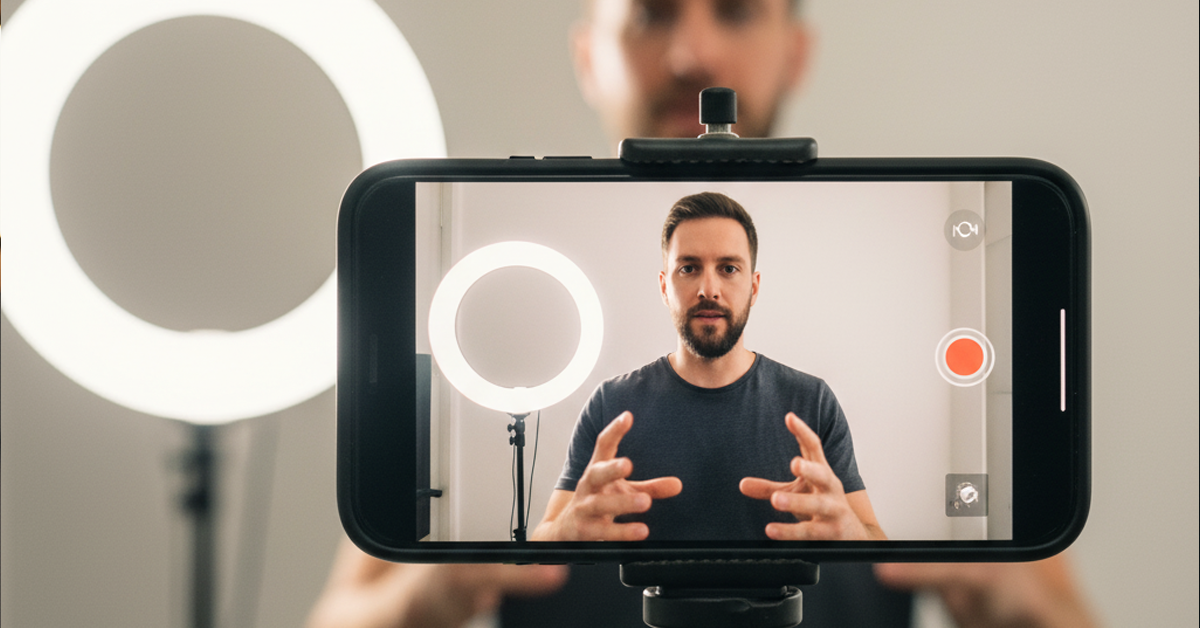
Ask any acting coach how they run their virtual classes right now, and the answer is almost always the same. A Zoom link sent out before class, students joining from wherever they are, a recording running in the background that captures everything and everyone, and a coach doing their best to create a focused performance environment inside a tool that was designed for quarterly business updates.
The coaches who have been doing this long enough all arrive at the same conclusion. The tool is not the problem. The tool works fine for what it was built for. The problem is that an acting class is not a meeting, and at some point, working around that reality becomes something you stop being willing to do.
The industry is starting to move. Not because Zoom failed anyone, but because something built specifically for performance work changes the experience in ways that a meeting platform simply cannot replicate. That difference starts the moment the session begins, and it shows up everywhere the work happens.
A Meeting Room Is Not a Classroom
Zoom is excellent at what it was designed to do: put people in a virtual room together for a conversation. But an acting class is not just about a conversation. It is a focused, structured environment where one person is doing the work, others are observing, and the coach is directing. The dynamics of that room are completely different from the dynamics of a meeting.
On Zoom, everyone is visible all the time. When a student is in the middle of a scene, the rest of the class is in the background on screen. Someone is checking their phone. Someone's roommate walks through the frame. The coach who is trying to give direction is also on screen while the student is trying to stay present in the scene. The tool flattens everyone into the same grid, regardless of what role they are playing in that moment.
That is not a Zoom problem. That is what happens when you run a performance environment inside a platform that was never designed for one.
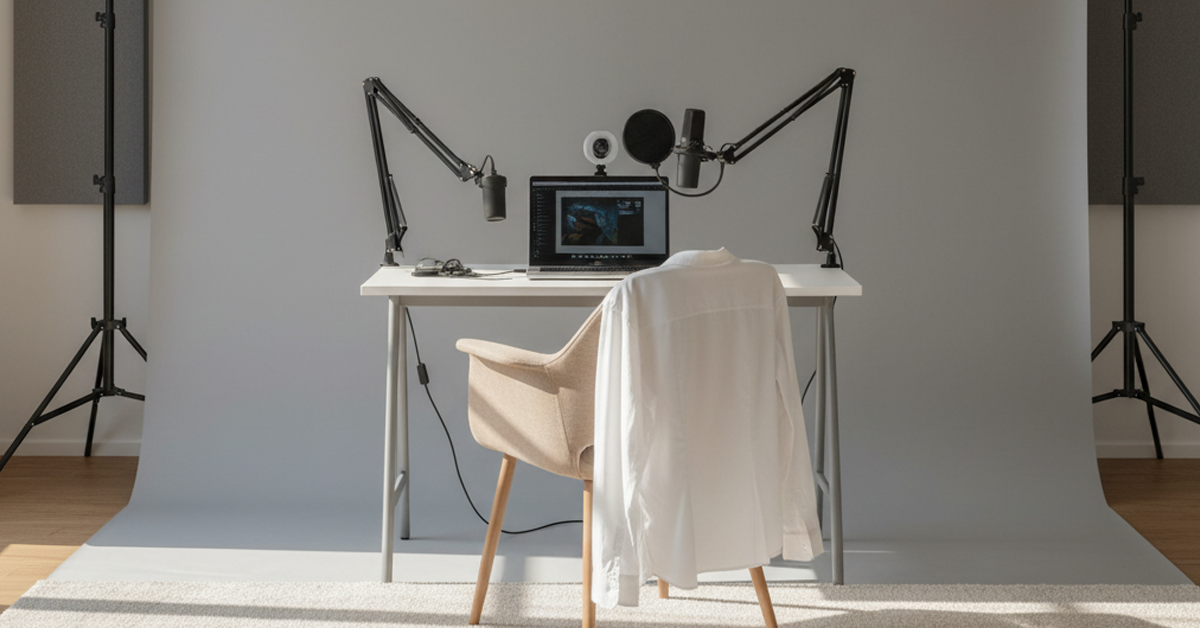
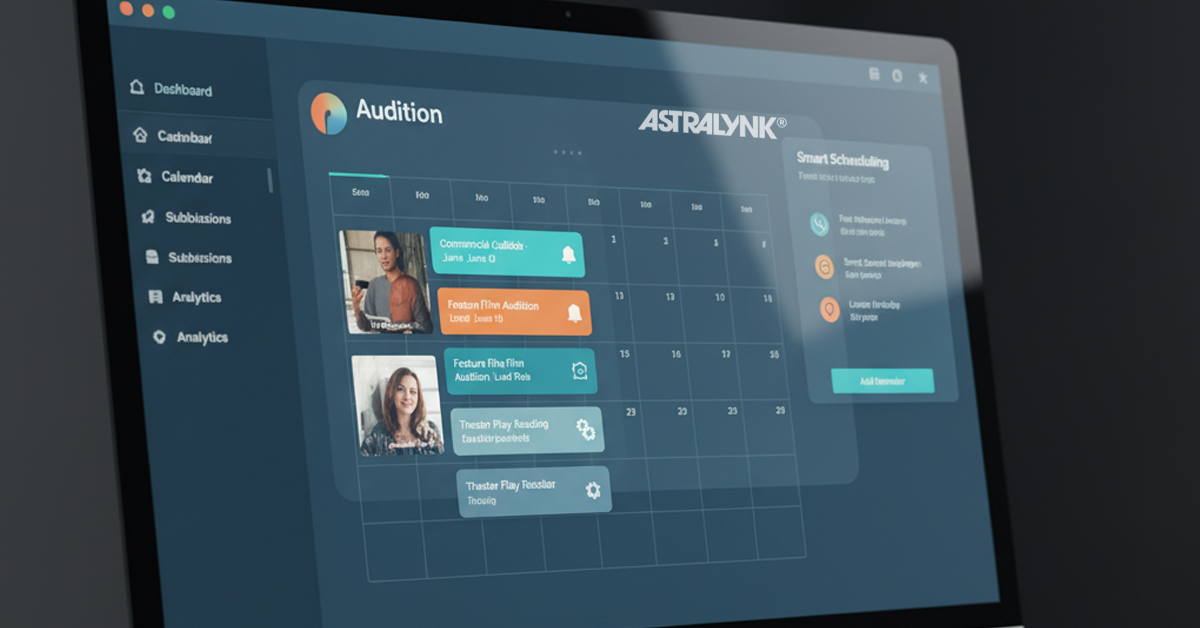
AstraLynk was designed for one. The experience of a coach running a class, a student working a scene, and the rest of the room observing is something that was considered and built into the platform from the start. Not worked around. Built for.
The Recording Problem Every Coach Knows
Recording a class on Zoom means recording the entire call. Every student. Every background. Every moment when someone was not paying attention. What you get at the end of a two-hour class is a two-hour file of a meeting, not a clean record of the performances that happened inside it.
For a coach who wants to give a student their scene back to review, that Zoom file is close to useless without significant editing work. The student's scene is somewhere in the middle of two hours of footage that also contains every other student in the class.
AstraLynk gives the coach control over what gets recorded. If one student is working, the coach can record that student. If a group is working together, the coach records the group. If the coach wants the entire class captured, that is an option too. The recording reflects the intention of the session rather than documenting everything that happened to be on screen.
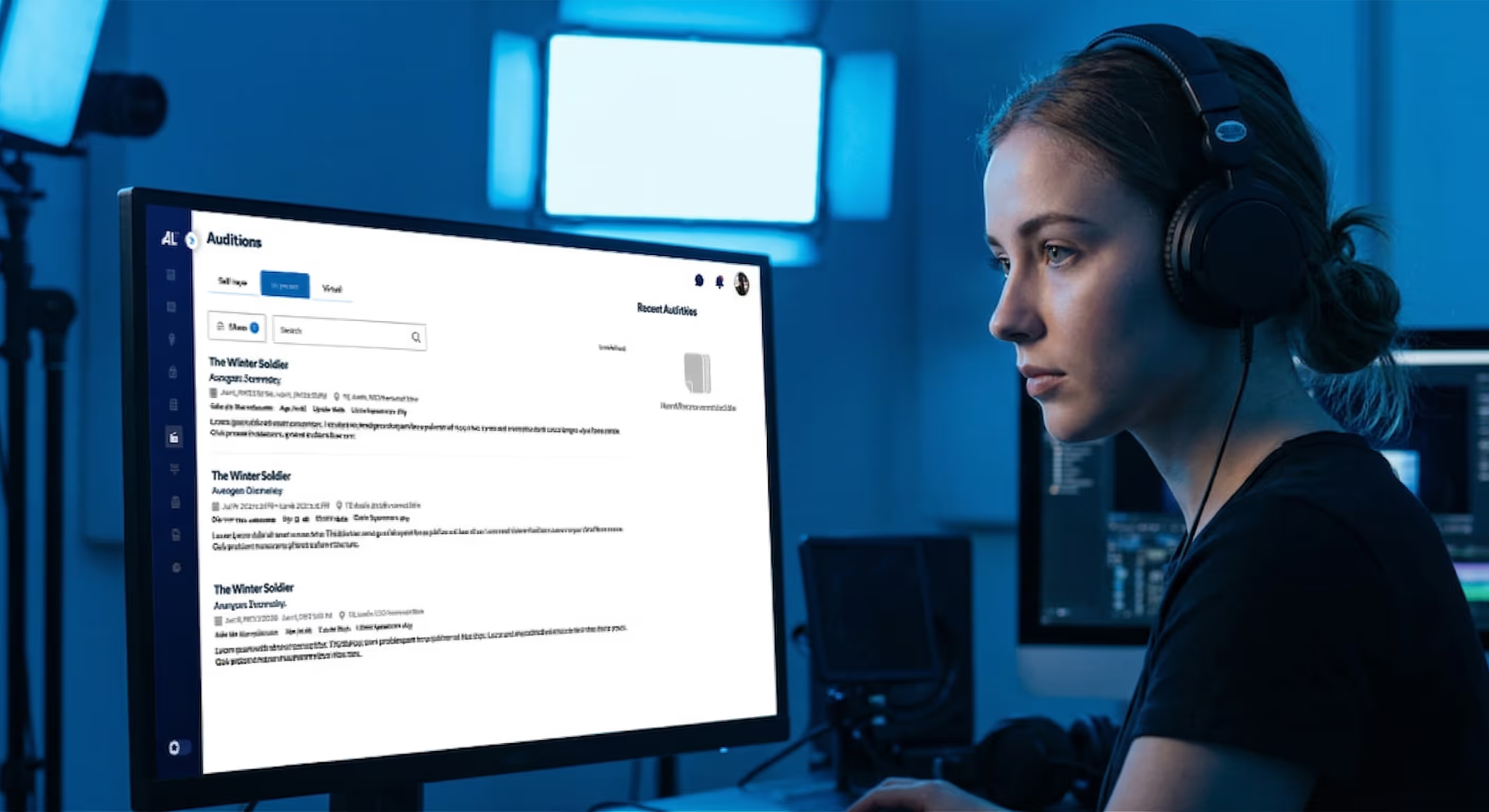
When the class ends, the recordings are clean, organized, and ready. A student gets back a file of their own work, not a two-hour meeting recording they have to scrub through to find themselves.
Your Class, Your Control
On Zoom, the host has basic meeting controls. On AstraLynk, the coach has a session environment built around the specific needs of running a performance class.
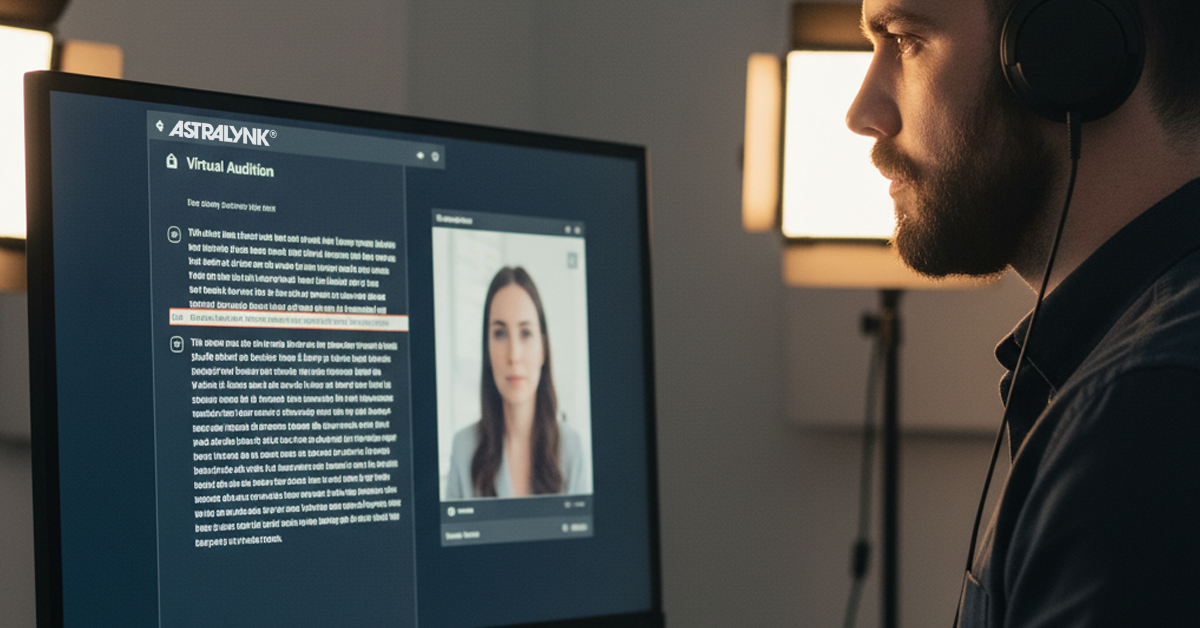
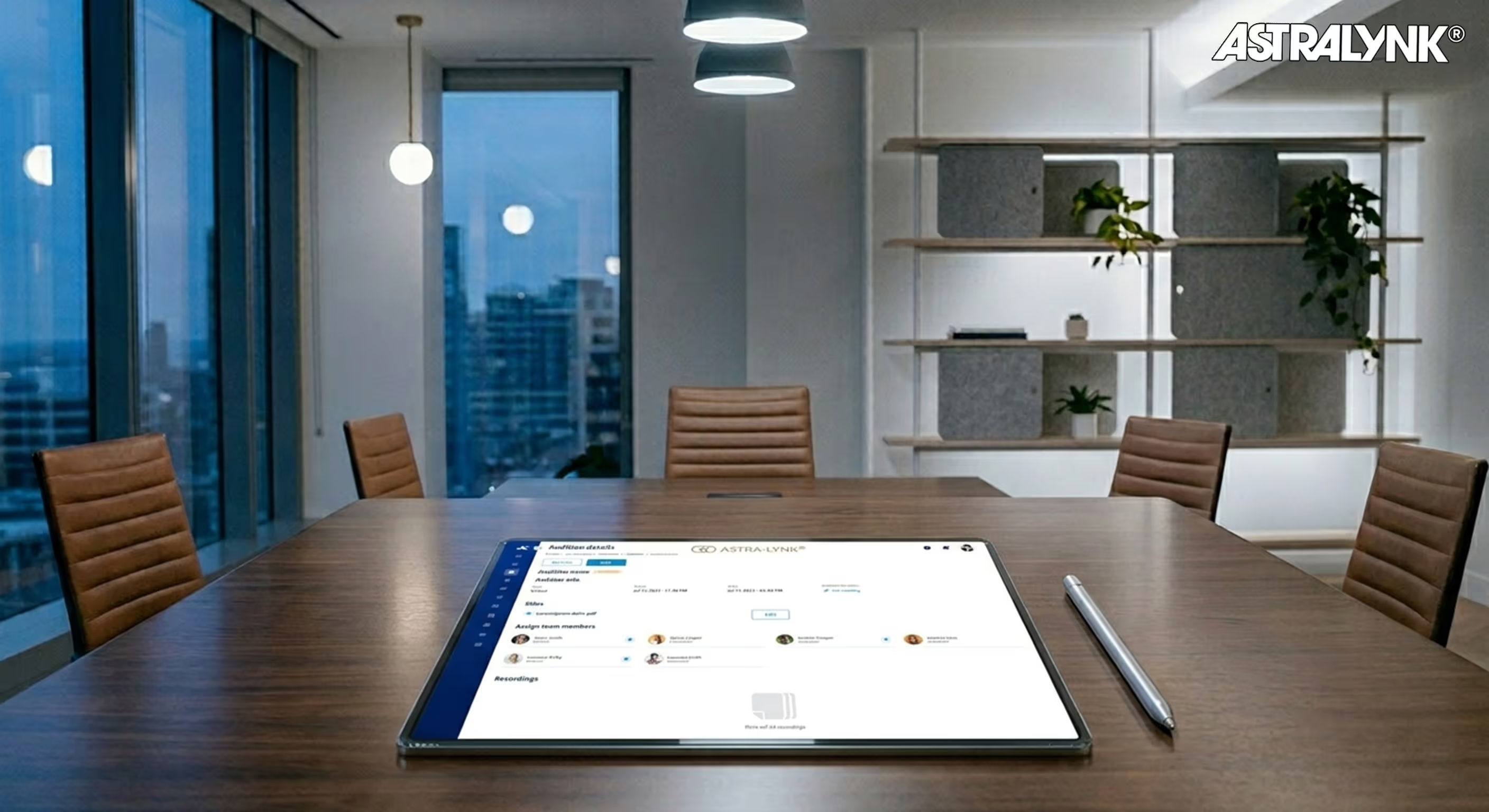
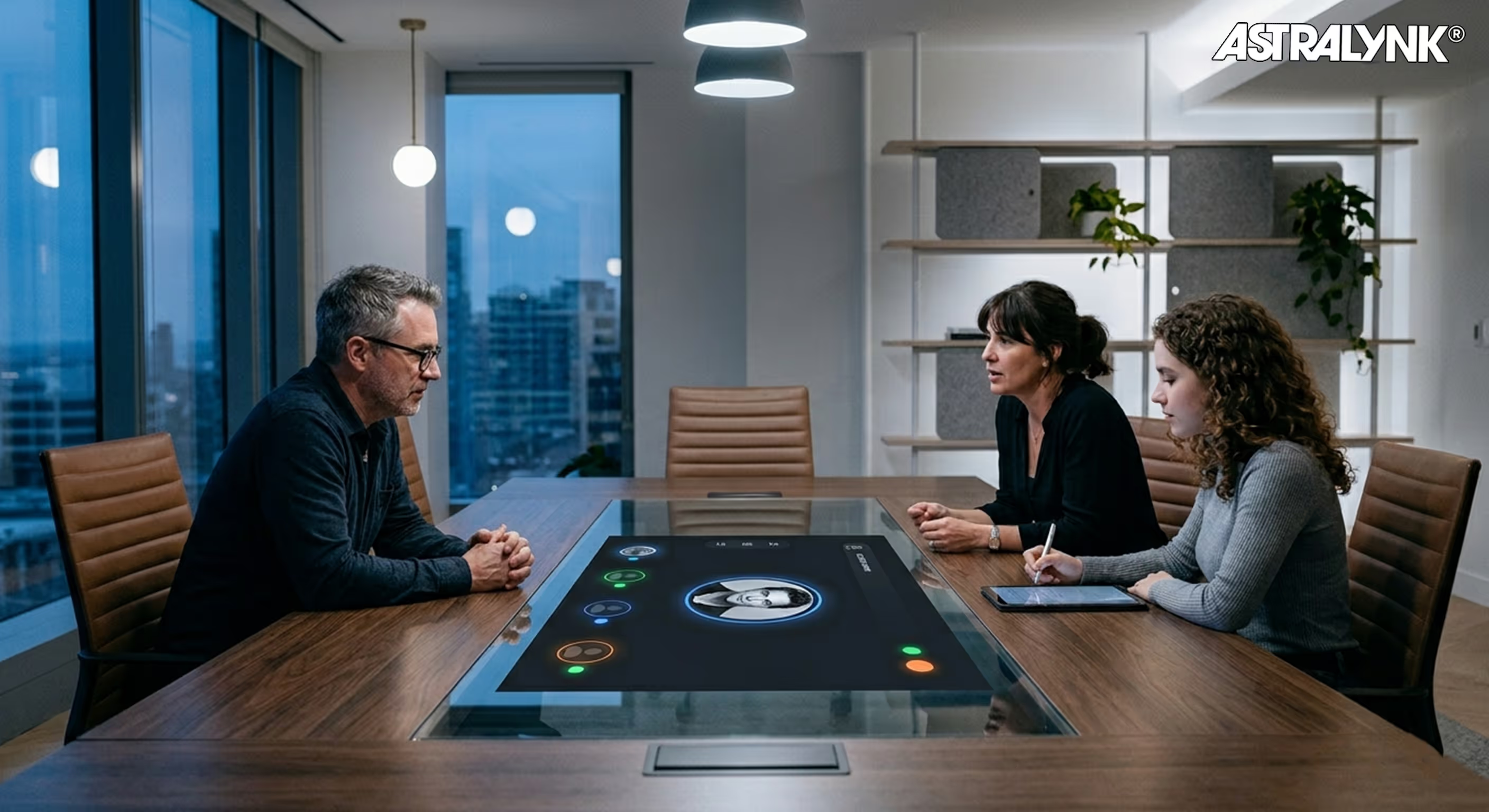
Students can be in the room as active participants or as observers auditing the session. The coach decides who is working and who is watching. The session is structured around the work rather than defaulting to everyone being equal participants in a flat meeting grid.
This matters because the experience of observing a scene being worked is one of the most valuable parts of an acting class. Students learn from watching as much as they learn from doing. When the tool supports that distinction rather than ignoring it, the class functions the way a class is supposed to function.
The coach is not managing a meeting. The coach is running a room. Those are two completely different things, and AstraLynk was built around the second one.
What the Students Experience
And when a student is working a scene, the environment supports that. They are not performing in a meeting. They are in a room that was built for exactly what they are doing.
For students who want to review their work after class, their recording is waiting for them. Clean, clearly labeled, and specific to their performance. Not buried in a two-hour file they have to hunt through. Just their work, ready to watch.
Built Exclusively for This Industry
Every decision made in building AstraLynk's virtual room came from one question: what does this industry actually need? Not what does a meeting platform need with a few adjustments for actors. What does a coach running a performance class, a student working a scene, and an observer learning from watching actually need from a virtual room?
The answer to that question is a different product than Zoom. It is a room where the coach is in control of the session, not just the meeting. Where recordings reflect what the coach intended to capture. Where students can observe without being part of the performance frame. Where the technical side is resolved before the session starts so the work can start on time.
That is what AstraLynk built. Not a meeting room that actors can use. A performance environment that was designed exclusively for this industry from the ground up.
Final Thoughts
The virtual classroom is not going anywhere. It is a permanent part of how coaches teach and how students train. The only question is whether the tool you are using was built for what you are actually doing.
Zoom was built for meetings. AstraLynk was built for this. If you are ready to run your class in a room that was designed around the work rather than borrowed from somewhere else, AstraLynk is where that starts.


.avif)
.avif)
.avif)
.png)